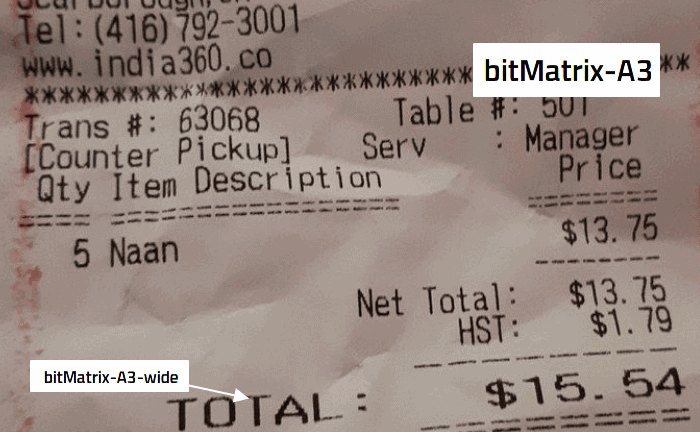
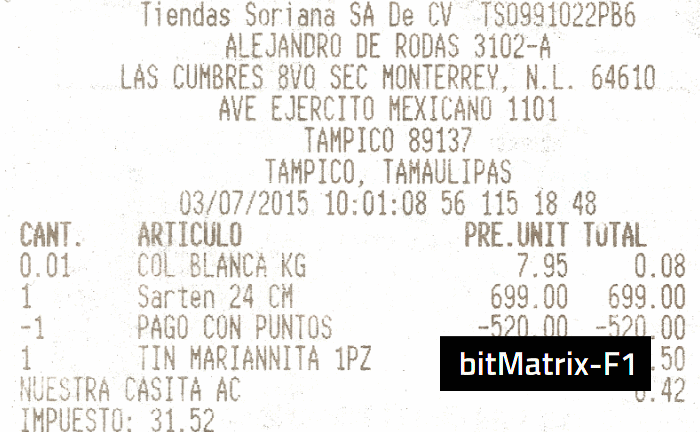
Bagaimana mencetak struk dengan font?
Hubungkan printer ke komputer dan nyalakan
Instal driver printer
Buka dokumen/template, pilih font FontStruk
Atur ukuran kertas (mis. 80mm) dan margin
Cetak uji, sesuaikan ukuran font bila perlu

PERTANYAAN YANG SERING DIAJUKAN
- Mengapa tidak ada font uji coba (trial)?
- Bagaimana cara menginstal font?
- Bagaimana struk asli biasanya dicetak?
- Panduan mengedit template
- Berapa harga font?
- Bagaimana mengatur ukuran font bitMatrix-* ?
- Bagaimana cara membuat font baru?
- Bagaimana jika saya hanya ingin memakai font sekali?
- Apakah dapat template gratis setelah beli font?
- Bagaimana jika tidak ada font yang cocok?